Website specification document: a jargon-free guide
What to write before asking for a quote, and what not to write. A useful specification document fits in three pages.
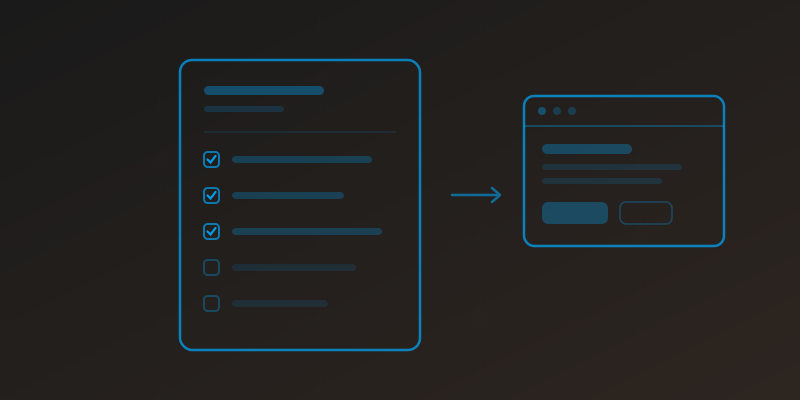
What it is actually for
A specification document is not paperwork. It is what lets you compare two quotes that look nothing alike, and avoid the most expensive sentence in web projects: "ah, that was not included".
Without one, every provider prices what they understood. You get a quote at €1,200 and another at €6,000 with no way to tell which is expensive. With one, both price the same thing and the gap becomes readable.
Good news: a useful document fits in three pages. Forty-page documents are usually written to reassure the author, not to inform the reader.
The six sections that are enough
1. Who you are and what you sell
Two paragraphs. Your activity, your area, your typical clients. If you have several trades, say which one should dominate: that sentence decides the whole structure.
2. What the site must produce
The most important section, and the most often missing. Not "have a nice site", but a measurable outcome: receive quote requests, make the phone ring on local searches, stop answering the same questions three times a day, sell online without a marketplace.
A serious provider will build different things depending on your answer. If they build the same thing regardless, that tells you something.
3. The pages you expect
A simple list is enough. Flag the ones that already exist and whose content can be reused: it changes the price.
4. Features
List only what you need, not what exists. Every line is budget. For each one, ask yourself: will I use it next month? A blog nobody will feed costs money and ages the site.
5. Who provides the content
This is the number one cause of projects dragging on. A site can be technically finished and stay offline for three months because the copy never arrived.
State clearly who writes the text, who provides the photos, and by when. If you want the provider to handle it, write it down: that is a quote line, not a default inclusion.
6. Your constraints
Budget range, deadline, and what already exists (domain name, current hosting, Google accounts) with who owns them. That last answer is often vague.
Three things not to write
- Imposing a technology you do not master. Writing "WordPress site" because the word is familiar closes the door on solutions that are often faster and cheaper to run.
- Describing the design in detail. That is a solution you saw elsewhere, not a need. Give two or three sites you like and say why.
- Marking everything as high priority. If everything is essential, nothing is, and the first trade-off happens without you.
The redesign case
If you are rebuilding an existing site, two sections protect your rankings: the list of your current URLs (export it from Search Console) and what already works, meaning your most visited pages and ranking keywords. You do not throw away what works. More on this in our article about website redesign.
The shortcut if you have no time
You do not have to write a document. Answer these six questions in writing, even in note form: what you sell and to whom, what the site must return, which pages, which features and why each, who provides content, and what budget and deadline.
A provider who can price from that is a provider who has done this before.
Key takeaways
- Three pages is enough. Length is not a sign of seriousness.
- The section that matters most is the expected outcome, not the page list.
- Describe the need, not the technical solution.
- Say who provides the content: it is the first cause of delay.
Topics covered
A showcase site written for your trade, €149/month all-in.
See our website packagesGot a project in mind?
We look at your site together and tell you frankly what can be improved. No commitment, no sales pressure.
More to read
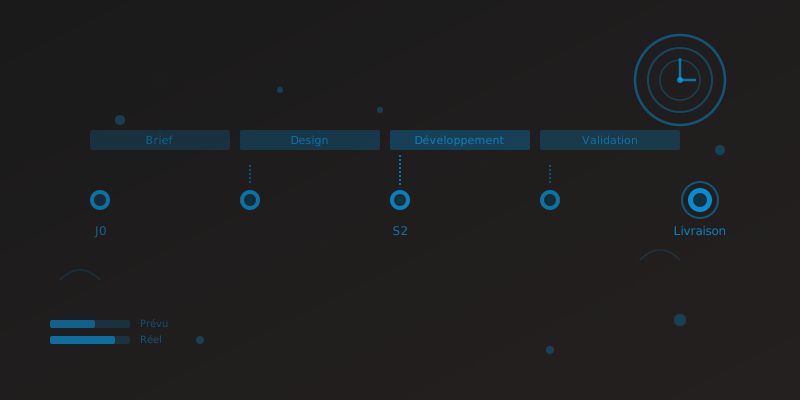
Website Creation Timeline: Real Deadlines in 2026
Timeframes by project type, what actually delays delivery, and the checklist to meet your deadline from the client side.
Read article
Google Business Profile: The Complete Guide for Local Businesses
Learn how to create, optimize and get the most out of your Google Business Profile to dominate local search results.
Read article